

01Getting started
How Nexthosting works – overview and process
All Nexthosting products at a glance, and the path from customer account to order, payment, a running server and support.
In short
At Nexthosting you create a customer account, order a product, pay, and it is set up for you automatically once your payment arrives. After that you manage it in your customer account and in the matching panel. If something gets stuck, support helps you.
What Nexthosting offers
Section titled “What Nexthosting offers”Nexthosting is the hosting provider of Friedl & Friedl GbR from Dresden, Germany. Game servers and VPS run in the data centre in Frankfurt am Main. Falkenstein (Saxony) and Nuremberg are added for backups, web hosting and parts of the infrastructure. Dedicated servers from the catalogue are located in Falkenstein or Helsinki (Finland); the location is shown with each server. With a single customer account you can run games, websites, your own servers and Discord bots with one provider.
| Product | What it is for | Price from (as of October 2026) | More |
|---|---|---|---|
| Gameserver | Servers for 28 games, e.g. Minecraft, Garry’s Mod, Rust, FiveM | €4.99/month | Game server overview |
| Webspace | Websites, email mailboxes, databases | €2.99/month | Web hosting overview |
| WordPress Hosting | Ready-prepared WordPress sites | €4.49/month | Web hosting overview |
| VPS | Your own virtual server with root access | €6.49/month | VPS overview |
| Dedicated Server | A whole server just for you | €29.99/month | Dedicated server |
| Domains | Your own internet address | from €0.99/month | Register a domain |
| Discord bot hosting | Bots that run around the clock | €2.99/month | Discord bots |
| GMod loading screen | Loading screens for Garry’s Mod | free for customers | Loading screen |
The exact, current prices are always listed in the shop on nexthosting.net. Prices are final prices: Nexthosting is a small business under § 19 UStG (German VAT Act) and does not charge VAT.
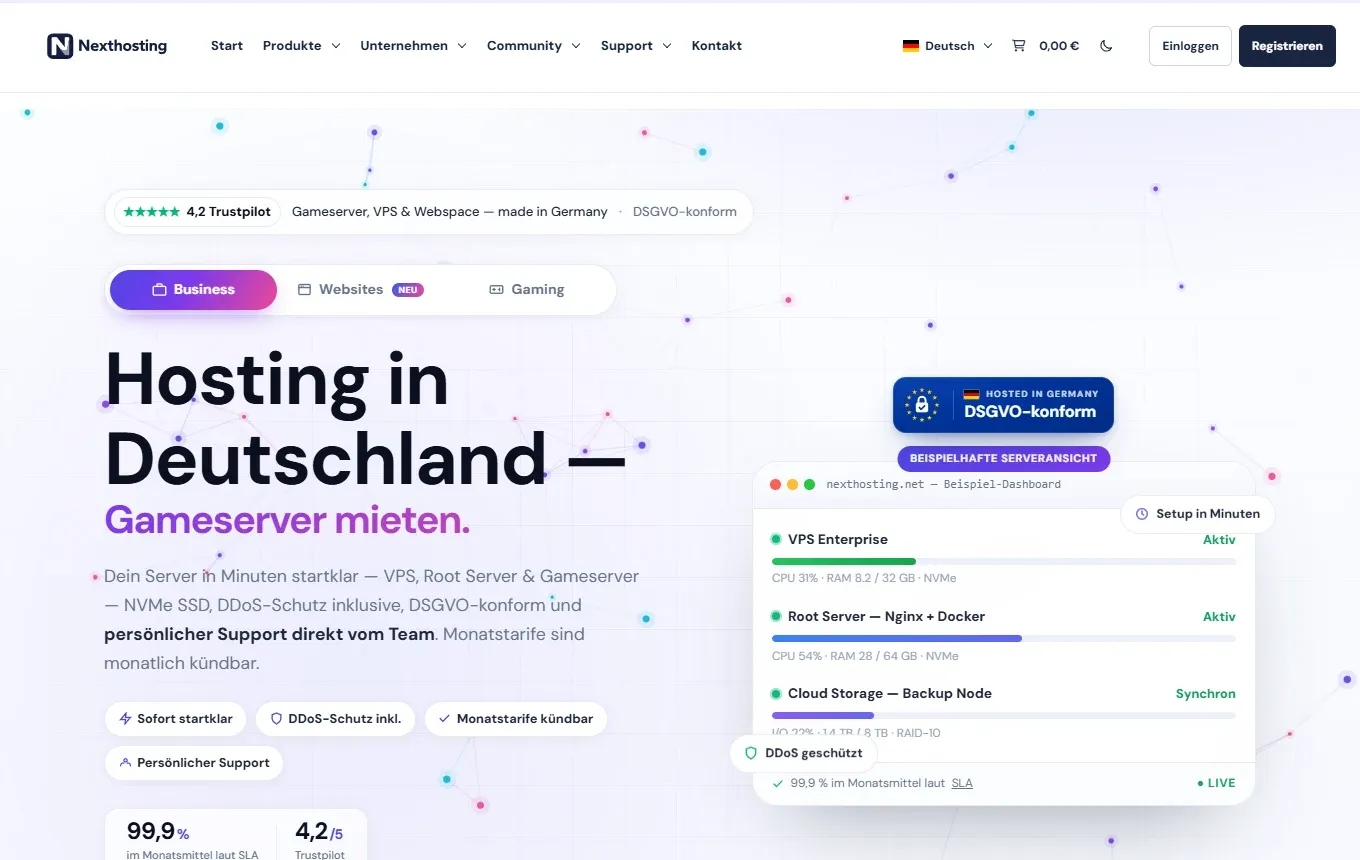
The shop home page. At the top right you find Einloggen (log in) and Registrieren (register).
From account to running service
Section titled “From account to running service”- Create accountEmail, or Discord, Google, Twitch
- OrderChoose and configure a product
- PayPayPal, card, bank transfer …
- Provisioningautomatic once payment arrives
- ManageCustomer account and panel
- SupportTicket in your customer account
- Create an account. You register with an email address and password, or with Discord, Google or Twitch. You need the account for everything else. More: Register and log in.
- Order. You pick a product and set it up on its product page: billing type, term and optional extras. More: Ordering.
- Pay. You pay with one of the available payment methods. More: Paying.
- Provisioning. Once your payment arrives, Nexthosting sets up the service automatically. Game servers are usually ready within a few minutes. The product appears in your customer account under Dienste → Deine Produkte; from there you open the panel or web panel.
- Manage. You find invoices, contracts and tickets in the customer account. You control the game server in the game server panel and a website in the web panel. The table further down gives an overview.
- Support. If you get stuck, you open a ticket in your customer account. More: Support.
Contract or prepaid
Section titled “Contract or prepaid”For many products you choose a billing type:
- Vertrag (contract): The service keeps running and is billed regularly until you cancel. For game servers there is a minimum term from one month up to one year, with different notice periods.
- Prepaid: You pay for a period in advance. The service ends with the booked period unless you renew it. If you like, the renewal can happen automatically.
Contracts and cancellation explains the differences. Terms such as mandate or Guthaben (account credit) are in the glossary.
What do I manage where?
Section titled “What do I manage where?”| I want to … | Then I go to … | More |
|---|---|---|
| View and pay invoices, cancel contracts, write tickets | Customer account at nexthosting.net/account | Customer account overview |
| Start and stop my game server, edit files, make backups | Game server panel at panel.nexthosting.net | Open the panel |
| Manage my website, WordPress, email mailboxes and databases | Web panel at webpanel.nexthosting.net | Web panel access |
| Configure the DDoS filter of my own IP address | Protection panel at schutz.nexthosting.net | Your own IP address |
| Manage my VPS, dedicated server or Discord bot | Customer account, under the product | VPS overview, Dedicated server, Discord bots |
| Manage my domain and DNS records | Customer account, under the domain | Manage DNS records |
| Find out whether there is an outage | Status page at status.nexthosting.net/status/nh | Status page and maintenance |
| Build a loading screen for Garry’s Mod | tools.nexthosting.app, log in with your customer account | Loading screen and FastDL |
You can find all addresses at a glance, with the way to log in and screenshots, on the page Where do I find what?.
Where do I start?
Section titled “Where do I start?”Frequently asked questions
Section titled “Frequently asked questions”Do I need a separate account for each product?
Section titled “Do I need a separate account for each product?”No. One customer account is enough for all products. Invoices, contracts and tickets are collected there.
How quickly is my service ready after ordering?
Section titled “How quickly is my service ready after ordering?”Game servers and VPS are set up automatically once payment arrives, usually within a few minutes. Dedicated servers can take up to 24 hours. With direct debit, the order waits for the payment to be confirmed.
Do I have to add VAT?
Section titled “Do I have to add VAT?”No. The prices shown are final prices. Nexthosting is a small business under § 19 UStG, so there is no VAT on the invoices.